



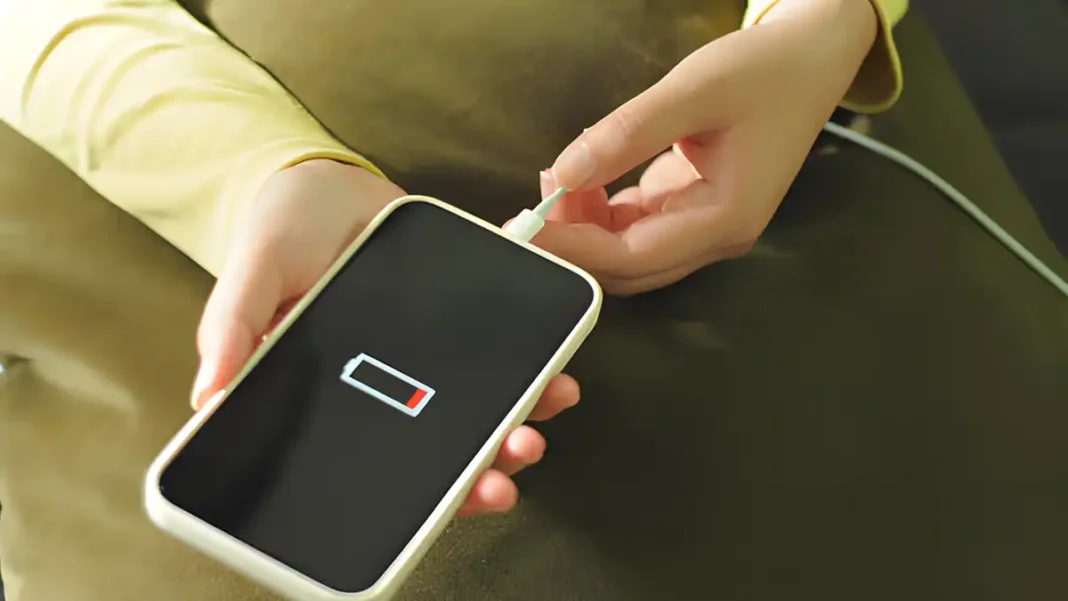
I think almost everyone has experienced this frustration: you just disconnected your phone from the charger, and after a few hours, even without active use, the battery is already critically red. It seems like something is broken, right? We immediately think of a worn-out battery, old firmware, or the need to buy a new, expensive gadget.
However, the reason often lies not in a “hardware” problem, but in one unobvious setting. The smartphone seems to be working in normal mode, but a certain hidden mechanism constantly drains energy from it, preventing the battery from “taking a breath”. If we find this “vampire” and turn it off, the charge can last several times longer. I have noticed that such a simple action literally gives my phone a second life.
Geolocation — The Energy “Glutton”
Here is the whole secret: the function that most often kills your battery charge is geolocation. It is also known as GPS, or location services. The mistake most users make is that they allow this function to work constantly, 24/7.
Why is this so critical? Geolocation constantly tracks your location, even when you are not opening maps, planning a route, or using a navigator. A huge number of applications – from weather services and social media to cameras, games, and even banking apps – have constant or background access to this data. This means that your phone is running operations 24/7 in the background, maintaining an active connection through the GPS module. Imagine how this loads the processor and, accordingly, how quickly the battery drains! In my observation, this can suck up to 40% of the daily charge.
How to Save Battery: Precise GPS Settings
Fortunately, turning off this energy flow is very simple. You do not need to give up GPS forever – it is enough to teach your phone to use it only when it is truly necessary.
Підписуйтесь, щоб не пропустити нічого цікавого! | Follow us so you don't miss anything interesting! | Subskrybuj, aby nie przegapić niczego ciekawego!
For Android Users:
- Open the main “Settings” menu.
- Find the “Security & location” section or simply “Location” (names may differ depending on the model and OS version).
- Here you have two options:
- Completely turn off the “Location” toggle switch.
- Leave the function active, but go to the “App location access” (or “App permissions”) and restrict access for those applications that do not need it (for example, for a flashlight or a game).
For iPhone (iOS) Users:
- Go to “Settings”.
- Next, select the “Privacy & Security” tab.
- Here you will see the “Location Services” section.
- You can turn off geolocation completely by moving the top toggle switch.
- Or scroll down and adjust the access parameters for each application separately. I advise you to leave access only “While Using the App” or “Never” if the application really does not need to know your location, such as a calculator.
If you don’t want to completely cut power to GPS, which is logical for people who often use navigation or call a taxi, I suggest a compromise: activate it only during trips or when you definitely need maps. At other times, this function can calmly rest, saving your valuable battery percentage. Give it a try! You will be surprised how much longer your phone will start working.