



Live broadcasts on X vanish once the stream ends. Replays become difficult to find, and some disappear entirely. A Twitter downloader built for this reality captures broadcasts, videos, and audio before they slip away, reports MODISTA.
sssTwitter handles everything from live streams to X Spaces conversations. It grabs standard video posts, extracts MP3 audio, and saves images. No account required. No software to install. Just paste a link in your browser and download.
Download Live Broadcasts and X Spaces
Broadcast downloading on X fills a gap most users assume cannot be closed. Live content feels temporary by design. sssTwitter treats it as permanent media waiting to be saved.
The process works identically for active streams and archived replays:
- Locate the broadcast or X Space you want to preserve
- Copy the URL from your browser address bar or the share menu
- Paste into sssTwitter and select your preferred format
Journalists use this to archive breaking news footage as it airs. Researchers capture discussions from X Spaces before hosts remove them. Fans save live Q&A sessions with creators they follow. The tool pulls the highest quality available from the source.
Підписуйтесь, щоб не пропустити нічого цікавого! | Follow us so you don't miss anything interesting! | Subskrybuj, aby nie przegapić niczego ciekawego!
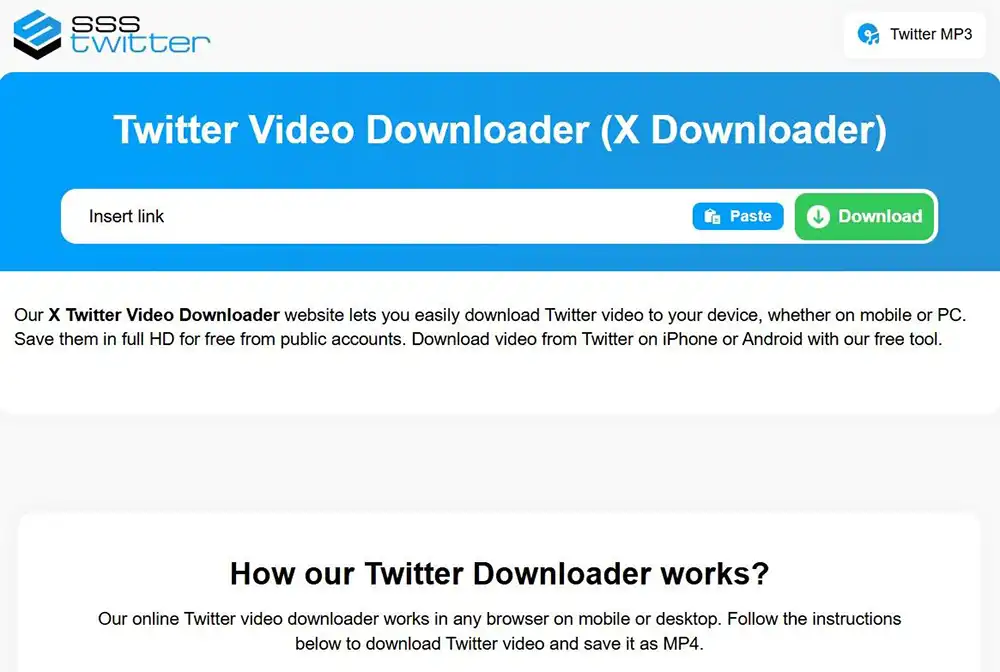
Twitter Video Downloader for HD MP4 Files
Standard video posts remain the most common download request. sssTwitter processes these in seconds, delivering files up to 1080p when the original supports it.
MP4 format ensures compatibility across devices and editing software. Downloaded files play on phones, tablets, computers, and media players without conversion.
- MP4 HD (1080p) – archiving and presentations
- MP4 SD (720p or 480p) – faster downloads and mobile storage
Quality depends on what the uploader posted. The Twitter video downloader HD option retrieves the maximum resolution available. No watermarks appear on saved files. No compression reduces what you receive.
Extract Audio as MP3 from Any Post
Sometimes the visual matters less than what was said. Musicians share clips of unreleased tracks. Public figures post voice memos. Interviews contain quotable moments worth keeping.
Use the X to mp3 feature to pull audio from any video post. The file arrives ready for music players, podcast apps, or editing timelines. Twitter to mp3 conversion takes the same few seconds as video downloads.
Save Images, Photos, and GIFs
Photos download in their original resolution. Animated GIFs keep their frames intact without quality loss. Carousel posts with multiple images allow you to grab each one individually.
Profile pictures and banner images work too. This Twitter downloader retrieves anything that displays on X.
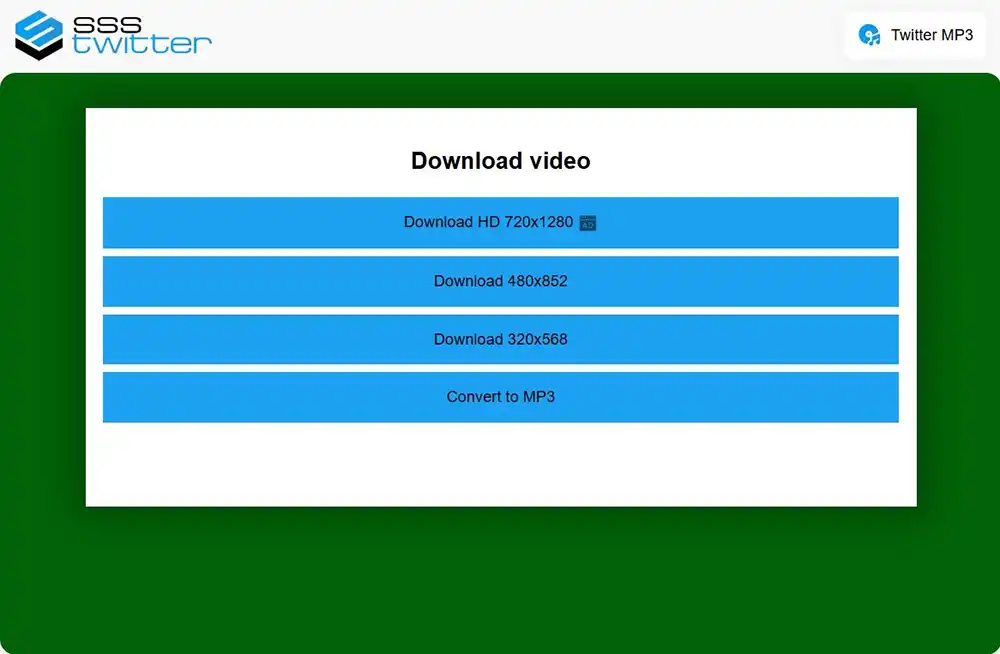
How to Download from Twitter in Three Steps
Every format follows the same workflow. Broadcasts, videos, audio clips, and images all use this process:
- Copy the link from the post, broadcast, or Space you want to save
- Visit the Twitter broadcast downloader and paste the URL
- Choose your format and click the download button
The site runs entirely in your browser. Phone, tablet, or desktop—any device with a modern browser works. Downloads are free with no daily limits. No registration gates the service.
Processing completes in seconds for most files. Longer broadcasts may take slightly more time, depending on duration and resolution.
Broadcasts disappear. Accounts get suspended. Posts get deleted. An X video download saved locally stays accessible regardless of what happens to the original. sssTwitter keeps the process simple enough that saving content takes less time than watching it.